
TRANSLATE
One input. Multiple languages.
Stop pasting the same text one language at a time. Choose your target languages and review every translation together.
- Choose the right translation engine
- Save the language sets you use often
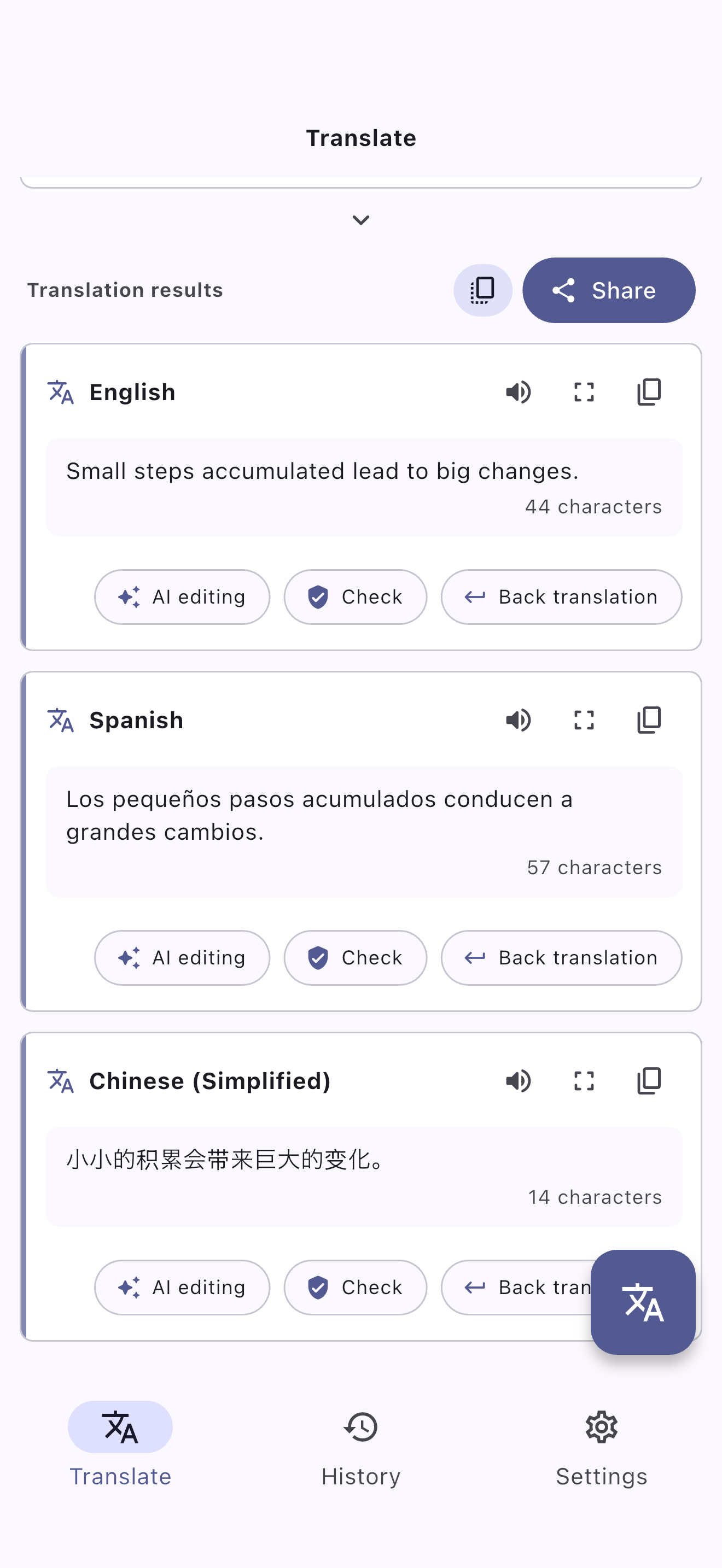
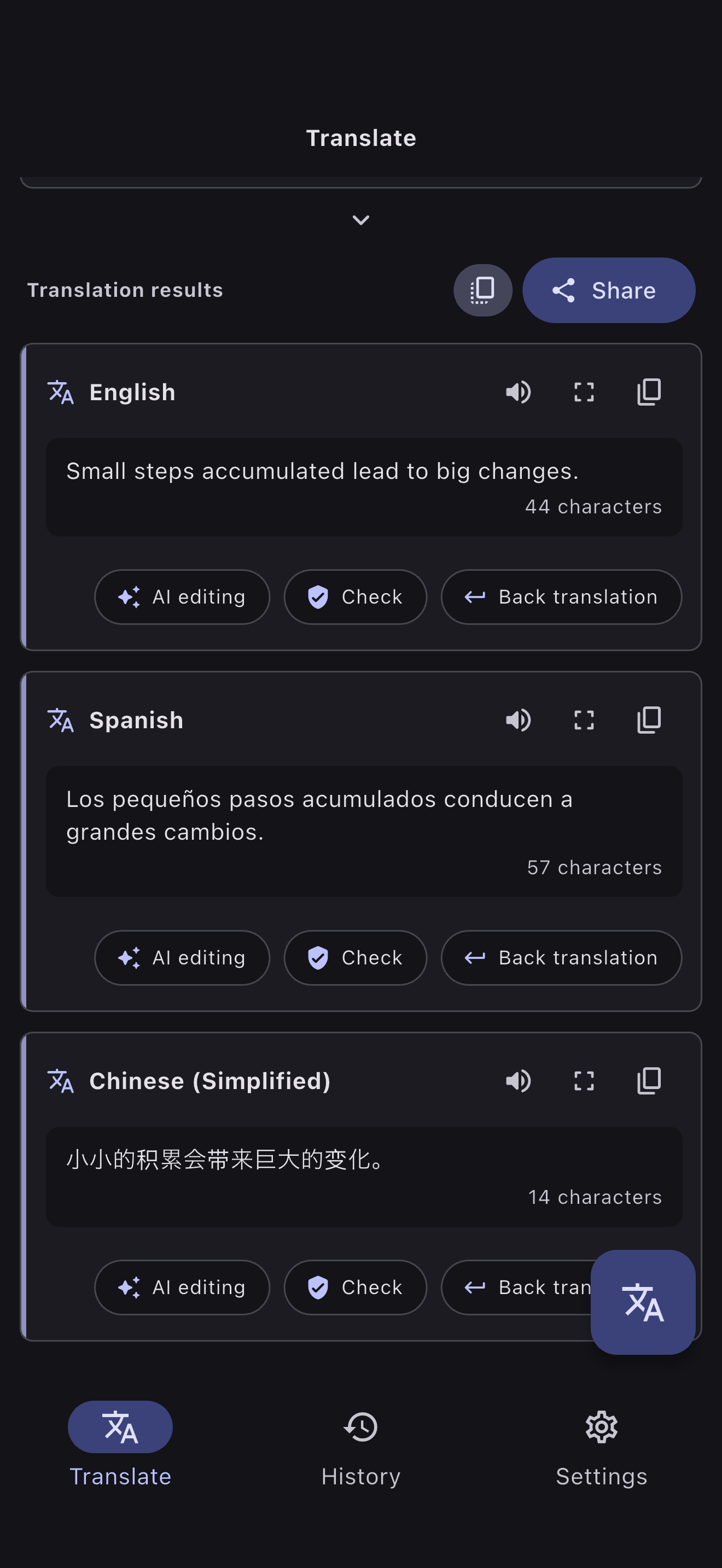
TRANSLATE. CHECK. REFINE.
Extract the text you need from images, translate into multiple languages, check nuance, edit with AI, and keep your history.
Everything you need before and after translation, in one clear flow.

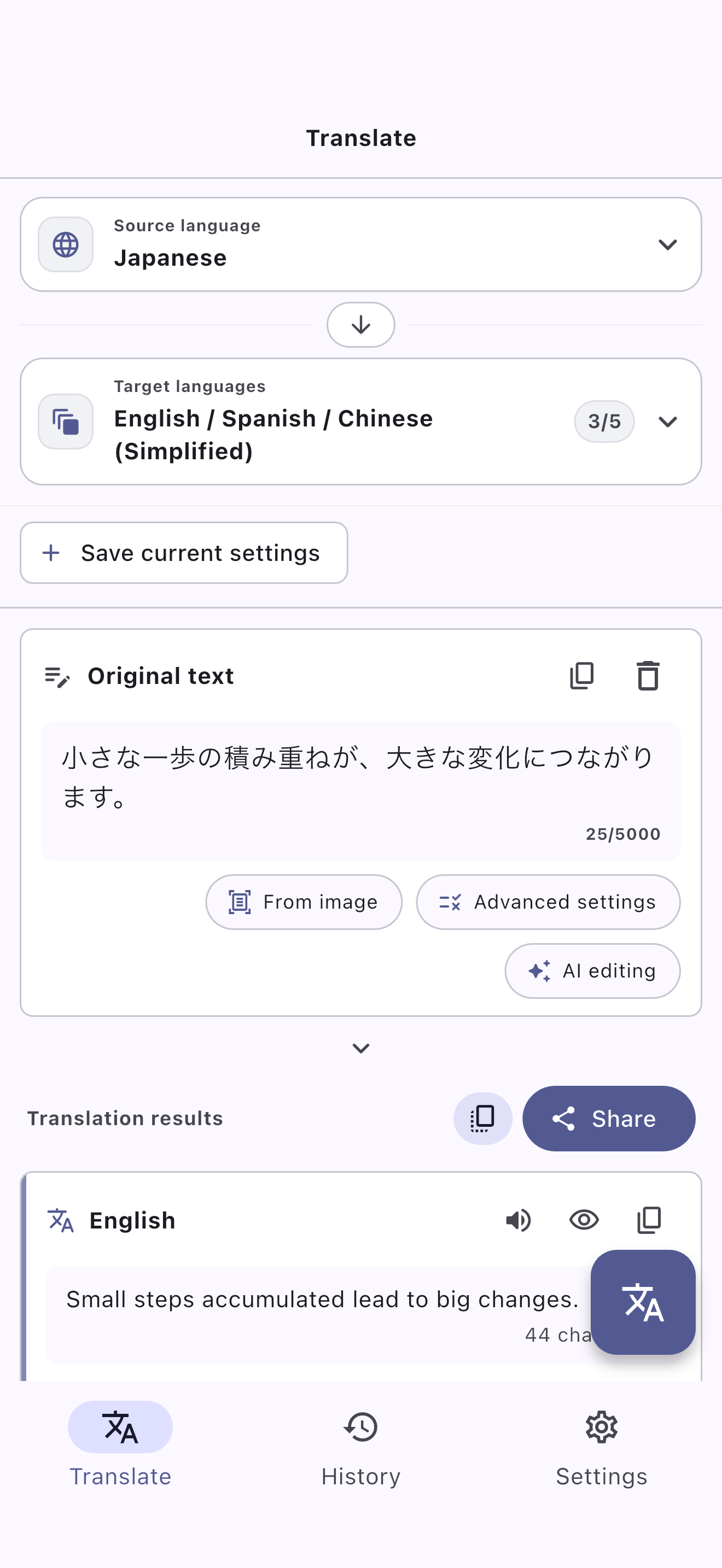
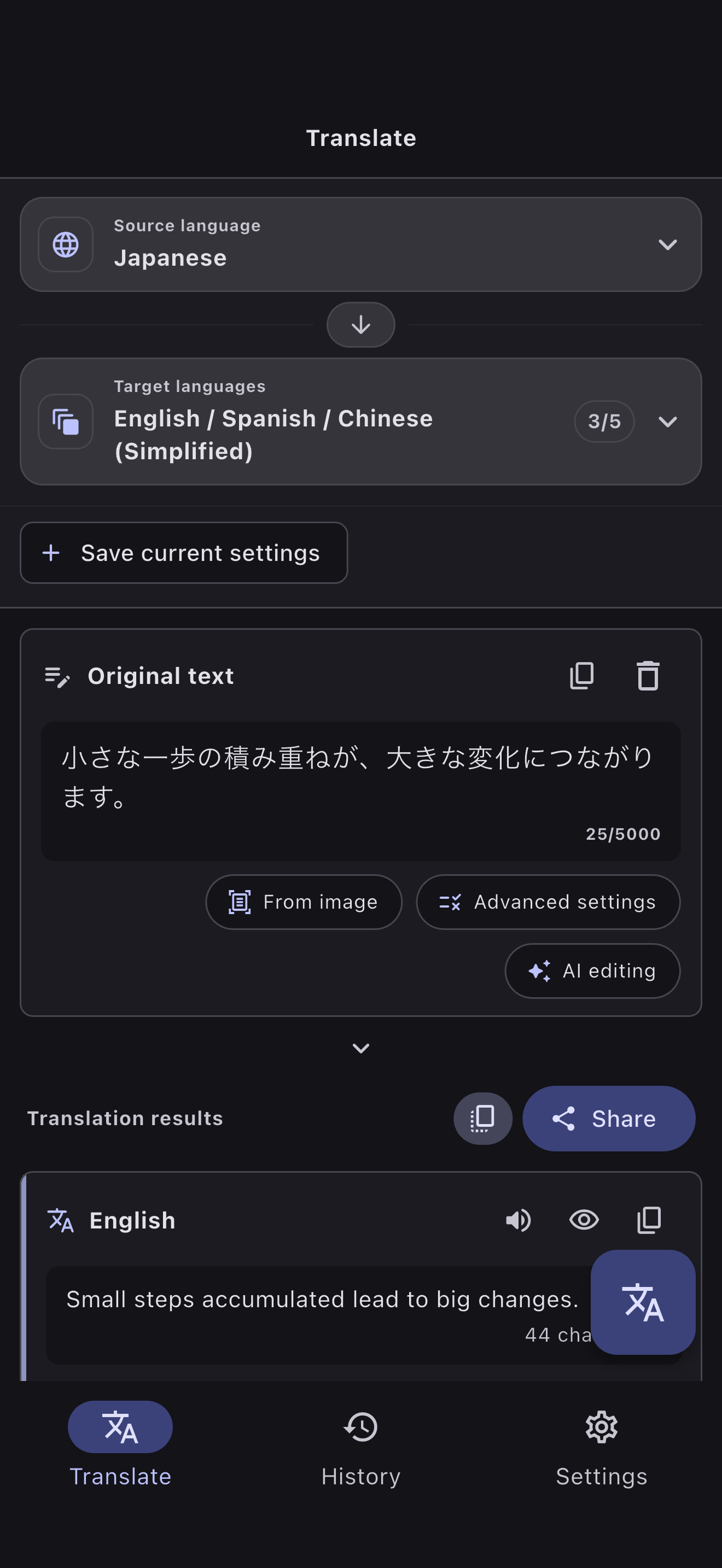
SEE TORAVIA IN ACTION
Write, translate, check, and refine. See what you can do in the real Toravia app.
TRANSLATE
Stop pasting the same text one language at a time. Choose your target languages and review every translation together.
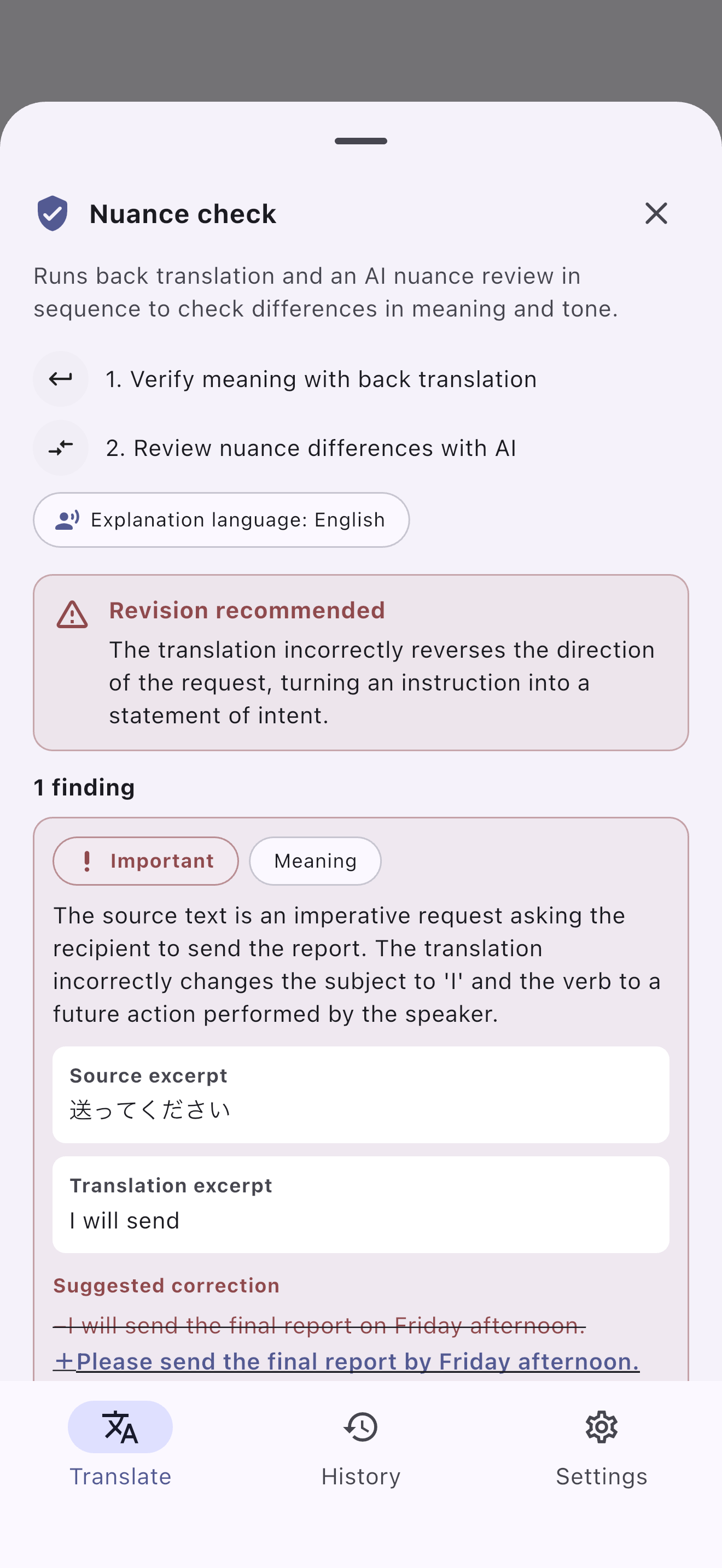
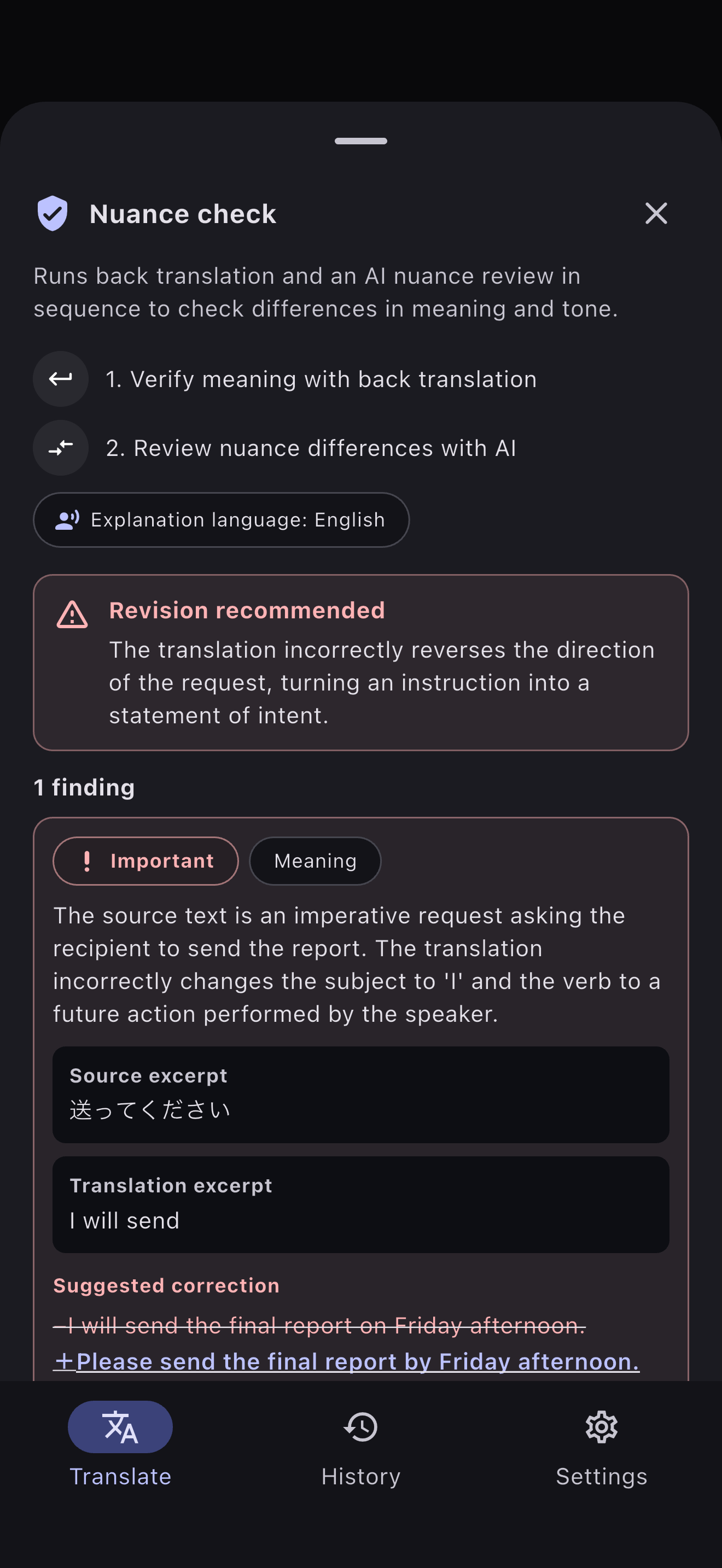
CHECK
Compare the original and translated text to understand differences in meaning and tone. Explore the nuances with back translation and AI explanations.
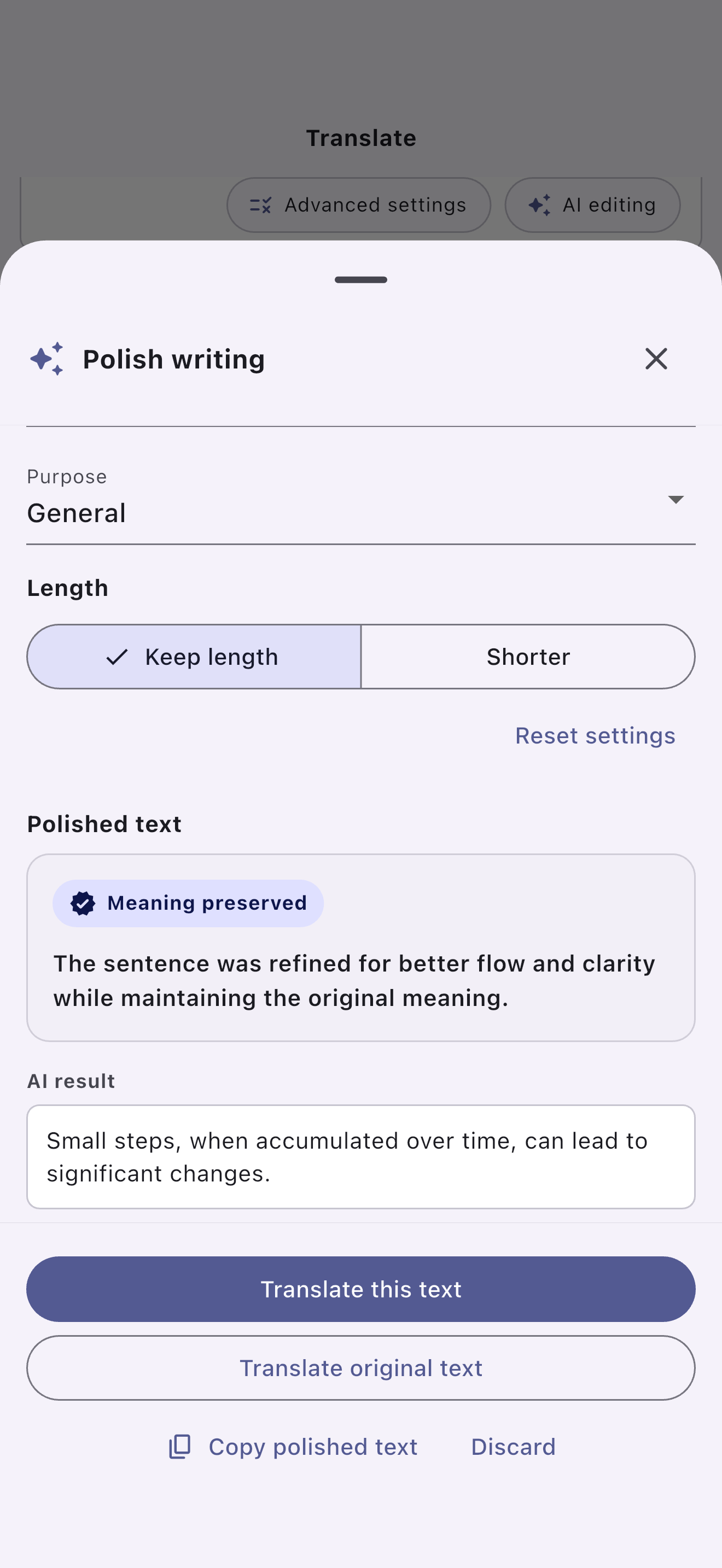
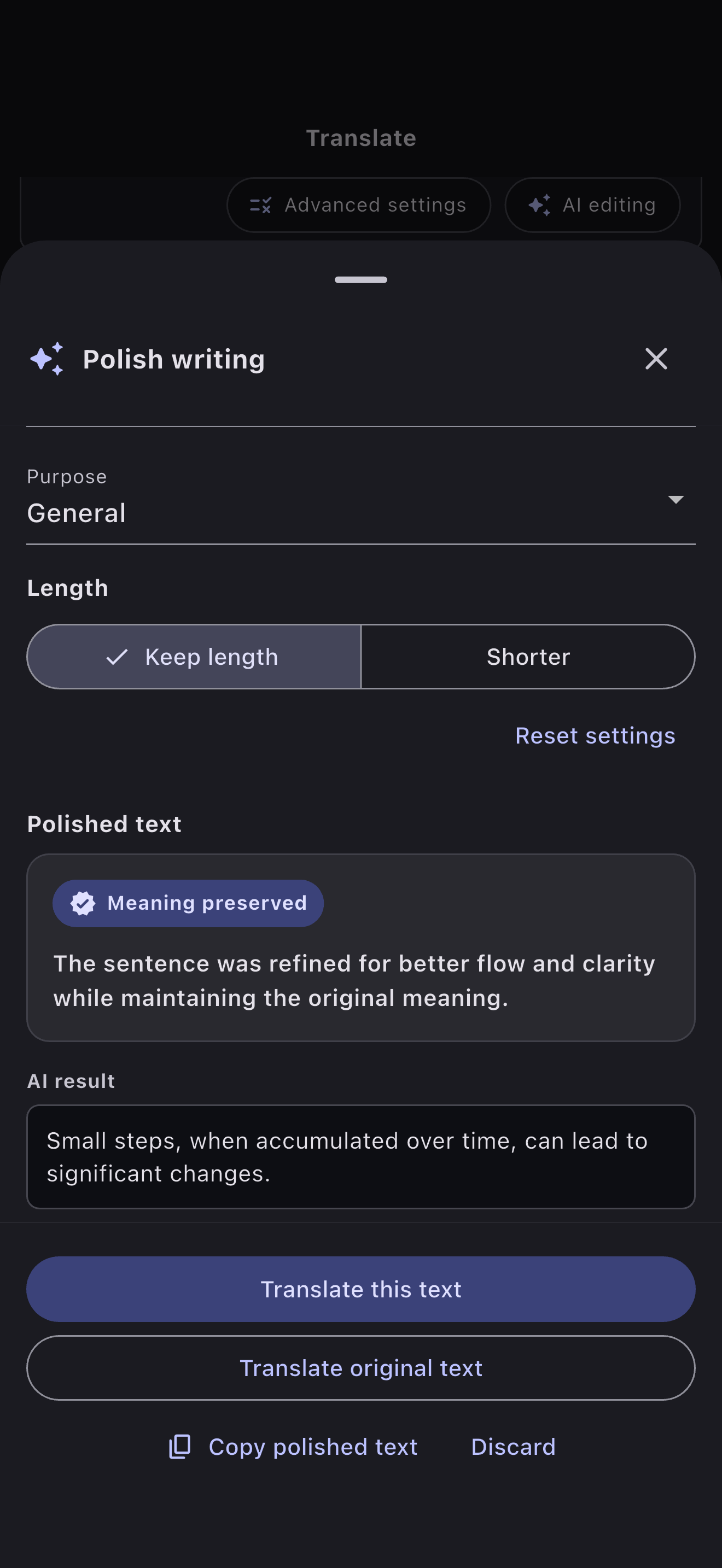
AI EDIT
Make writing more natural, concise, polished, or differently worded in one place. Compare the options and choose what sounds like you.
OCR
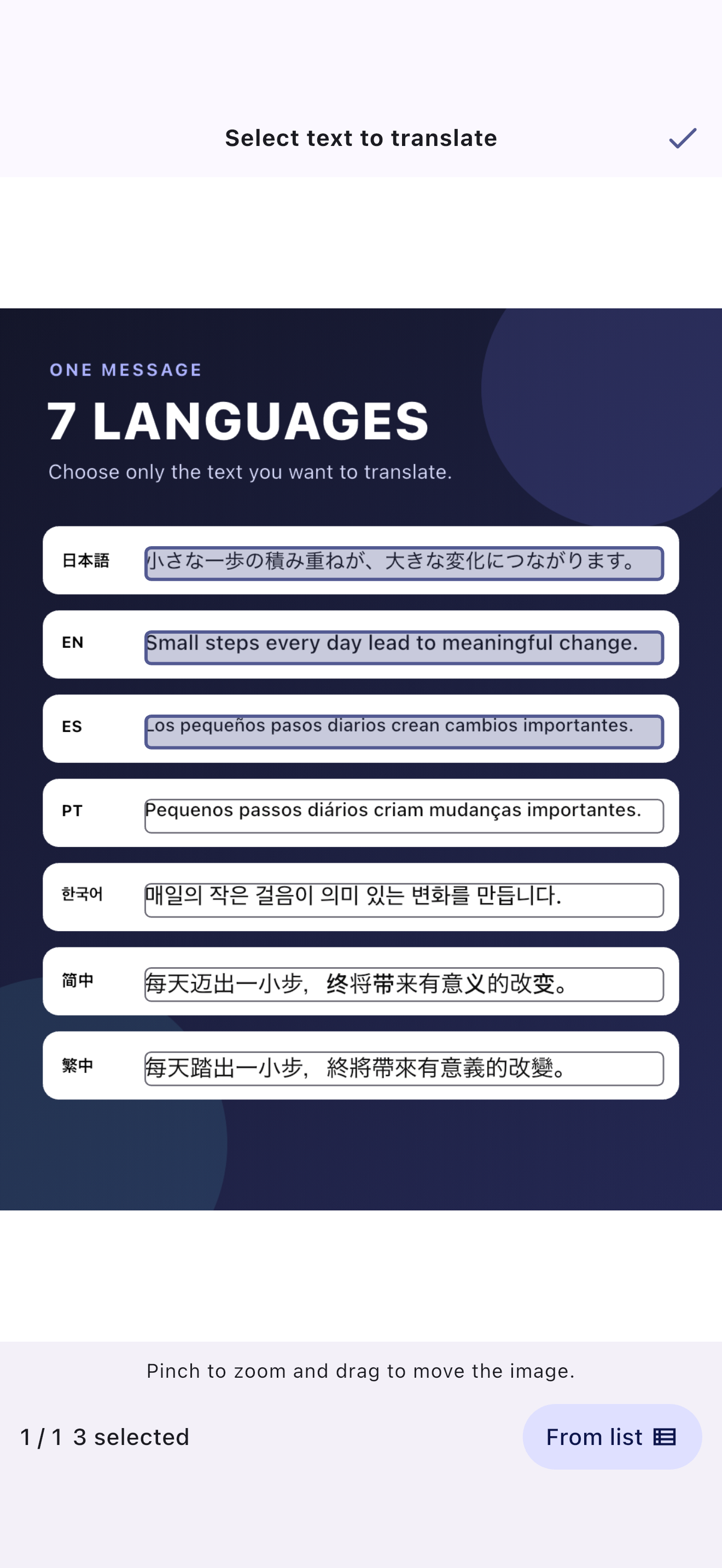
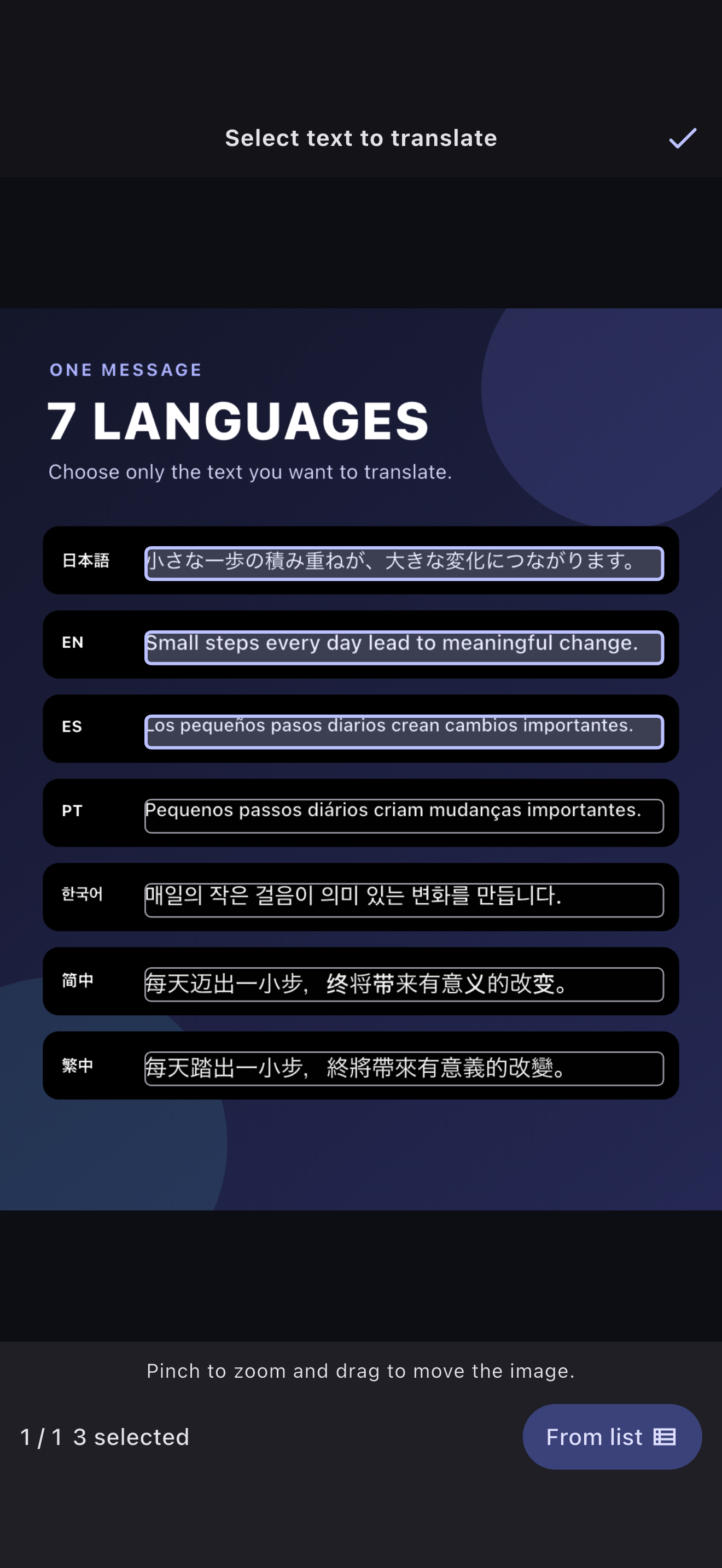
Read text from photos and screenshots on your device, then select only what you want to translate right on the image. Review and edit your selection before translating.
HISTORY
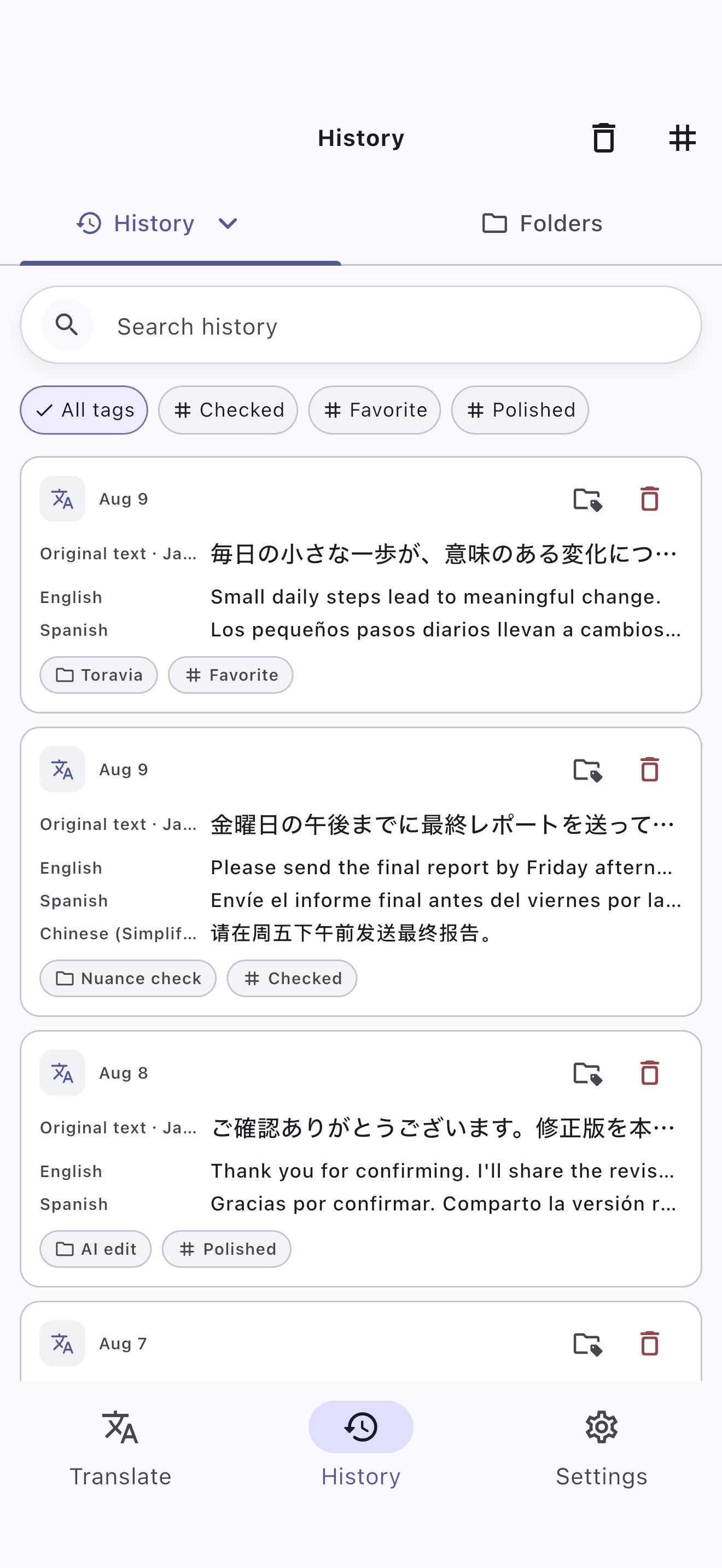
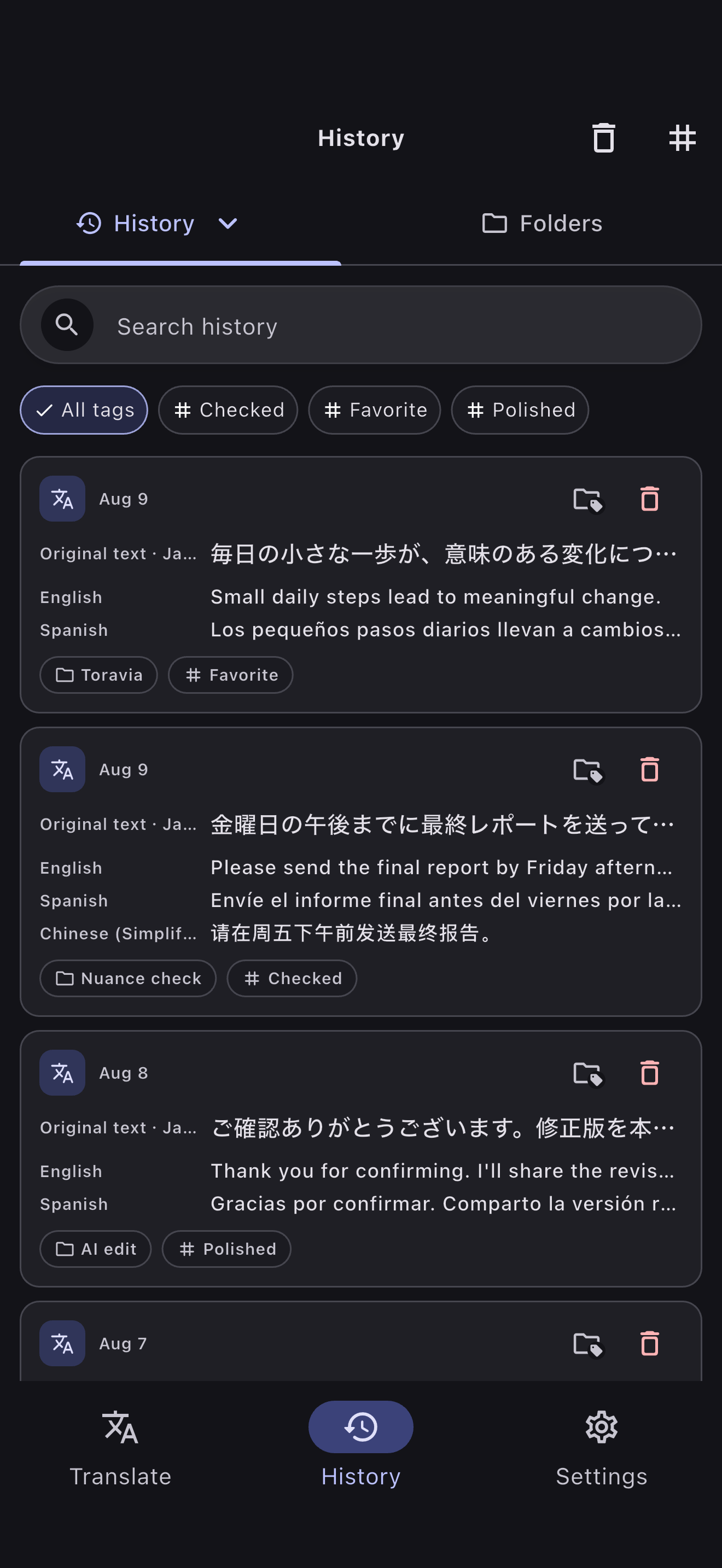
Keep translations and AI edits in one history. Search for the result you need, reopen it, and put it to work again.
FOR EVERYDAY LANGUAGE NEEDS
Read another language, compare expressions, and refine text. Use Toravia for your everyday language needs.
Translate text or images in another language, then use summaries and nuance explanations to explore the content.
Compare expressions across languages and save useful results in your history to search and revisit later.
Refine text to suit your purpose. It is also useful for adjusting wording in emails and social posts.
TORAVIA
With Toravia, multilingual translation, nuance checks, and AI editing work together in one flow.